
The brief
"Where's my money?" is the question payment providers hear most from the businesses they serve. A seller sees a big weekend in the dashboard, then a much smaller deposit in the bank, and assumes something is missing. Every one of those questions becomes a support ticket. The video needed to answer it before the seller asks, in the help centre and the first weeks of onboarding.
What viewers can do after
- Tell sales, settling and paid out apart on the dashboard
- Name the three stages a payment moves through
- Work out when a sale reaches the bank, weekends and holidays included
- Read a payout report to explain a smaller payout
- Know which payout problems need time and which need action
The framework
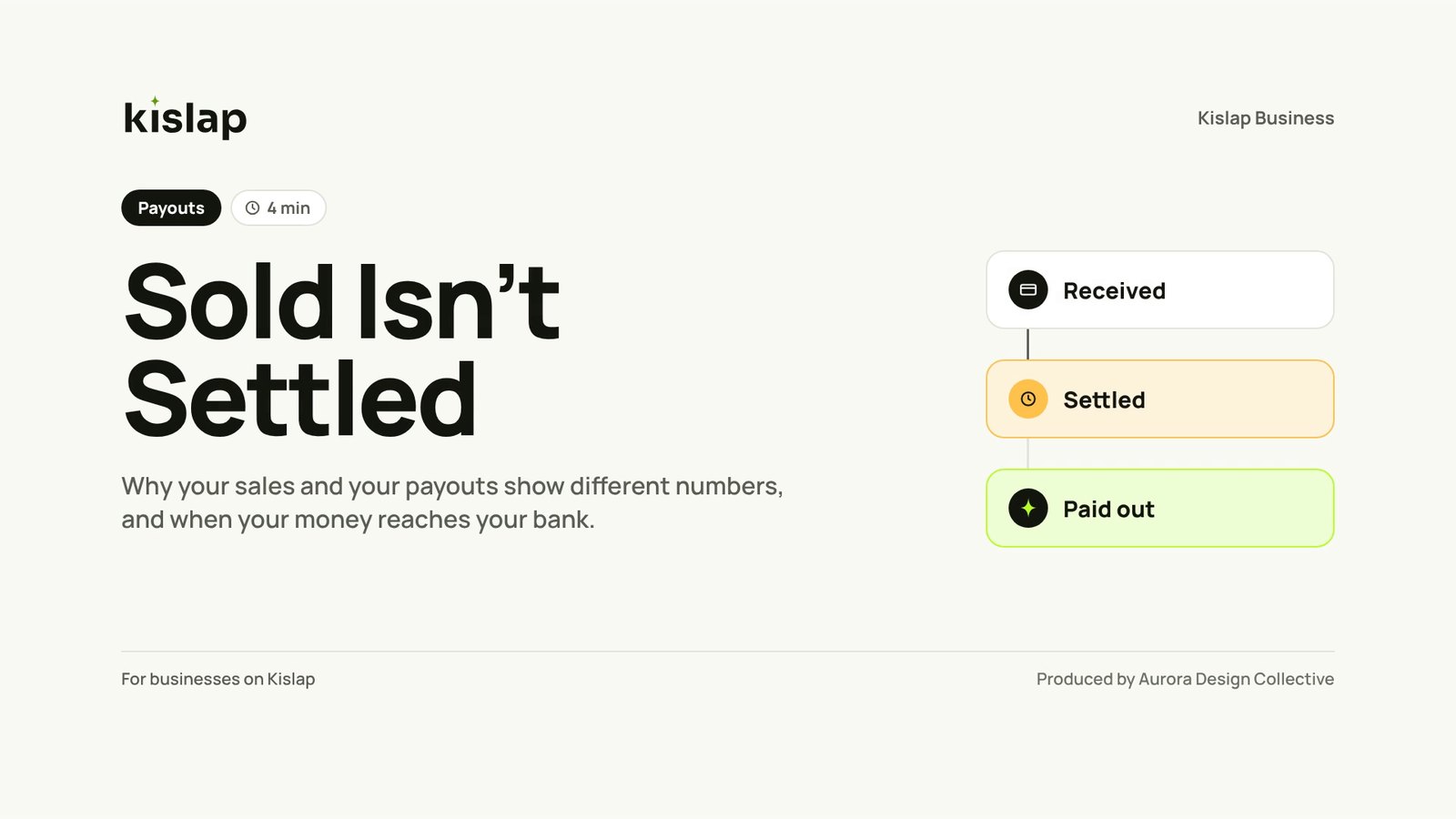
Every payment moves through three stages. The first is instant; the other two follow a clock the seller can plan around.

-
1
Received
The customer paid, and the order is safe to fulfil.
-
2
Settled
Kislap has cleared the payment and added it to the balance, minus the fee.
-
3
Paid out
Kislap has sent the balance to the seller's bank account.
How the course was designed
Who it is for, what each objective is taught by and tested with, and the decisions behind it.
Small sellers: online shops, makers, market stalls taking Kislap payments.
On a phone, often sound off, right after seeing a payout smaller than their sales.
Their own sales. Not how settlement and payout batches work.
Check the payout report and the clock before assuming money is missing.
Every objective has a scene and a question.
Pick one to see where it is taught and how it is tested.
Design note. Self-check, not a scored quiz: viewers are customers, not trainees. The optional SCORM version scores the same three questions for partner staff.
Four design decisions
What we chose, and why. Timestamps point to where each one shows up.
- 0:00
Open on the worry, then defuse it.
The first 20 seconds show the two numbers that cause the ticket, then say "Nothing is missing. It's moving."
- 1:09
Teach a clock, not a policy.
Daily batches, banking days and the 2:00 PM payout are drawn as a week the seller can plan a restock around.
- 2:15
Sort problems into wait or act.
Five reasons are grouped as "only needs time", "check the report" and "fix it in Settings", which is the decision a seller actually makes.
- All
Reuse the staff-training kit.
The same design system and screens as Kislap's agent modules, so support staff and sellers hear one explanation at a fraction of a first build's cost.
From merchant terms to words a seller can act on.
Rewrite rules: Legal terms become dashboard words; times move to the 12-hour clock sellers use; every rule ends with what the seller can do.
Card and wallet transactions are aggregated into a daily settlement batch with a cut-off of 23:59 PHT. Batches settle on the next Banking Day.
Kislap groups each day's payments into one batch, which closes at 11:59 PM. A batch settles on the next banking day.
Transactions captured on non-Banking Days are deemed captured on the next Banking Day.
Weekends and holidays aren't banking days. Payments made then count as made on the next banking day.
Net settlement amounts, after deduction of the Merchant Service Fee (2.5%), refunds and dispute adjustments…
Kislap takes 2.5% before paying out. A refund you issue, or a dispute you lose, comes out of your next payout.
Disbursement may be suspended where the Merchant's payout account or verification status requires remediation.
A payout on hold usually means your bank details or verification need attention. Fix it in Settings.
Read the full source passage
Merchant Terms, Schedule C: Settlement and Payouts. Card and wallet transactions are aggregated into a daily settlement batch with a cut-off of 23:59 PHT. Batches settle on the next Banking Day. Transactions captured on non-Banking Days are deemed captured on the next Banking Day. Net settlement amounts, after deduction of the Merchant Service Fee (2.5%), refunds and dispute adjustments, are disbursed at 14:00 PHT on each Banking Day. Disbursement may be suspended where the Merchant's payout account or verification status requires remediation.
Sample source text written by ADC for this concept course. Kislap Business is a fictional brand.
Try the self-check
Three self-check questions sit under the video on the help-centre page. If the client also wants it in an LMS, the SCORM version scores them.
How a client would know it worked
The measures we recommend tracking after launch. A measurement plan, not results: concept courses have no learners yet.
"Did this answer your question?"
A yes/no under the video on every view.
Self-check, first try
A miss on the hold question means the Settings step needs to be clearer.
Payout tickets per 1,000 sellers
The main business signal, before and after launch.
Holds fixed in one banking day
Sellers acting, not waiting, when a payout is on hold.
What a client would receive
- 3:56 MP4 master in 1080p, ready to embed in a help centre
- Caption files (SRT and VTT), on by default for muted viewing
- Full transcript for the help-centre page
- Self-check questions and a one-page checklist PDF
- Optional SCORM 1.2 version for partner training